Virtual Verification – Web app
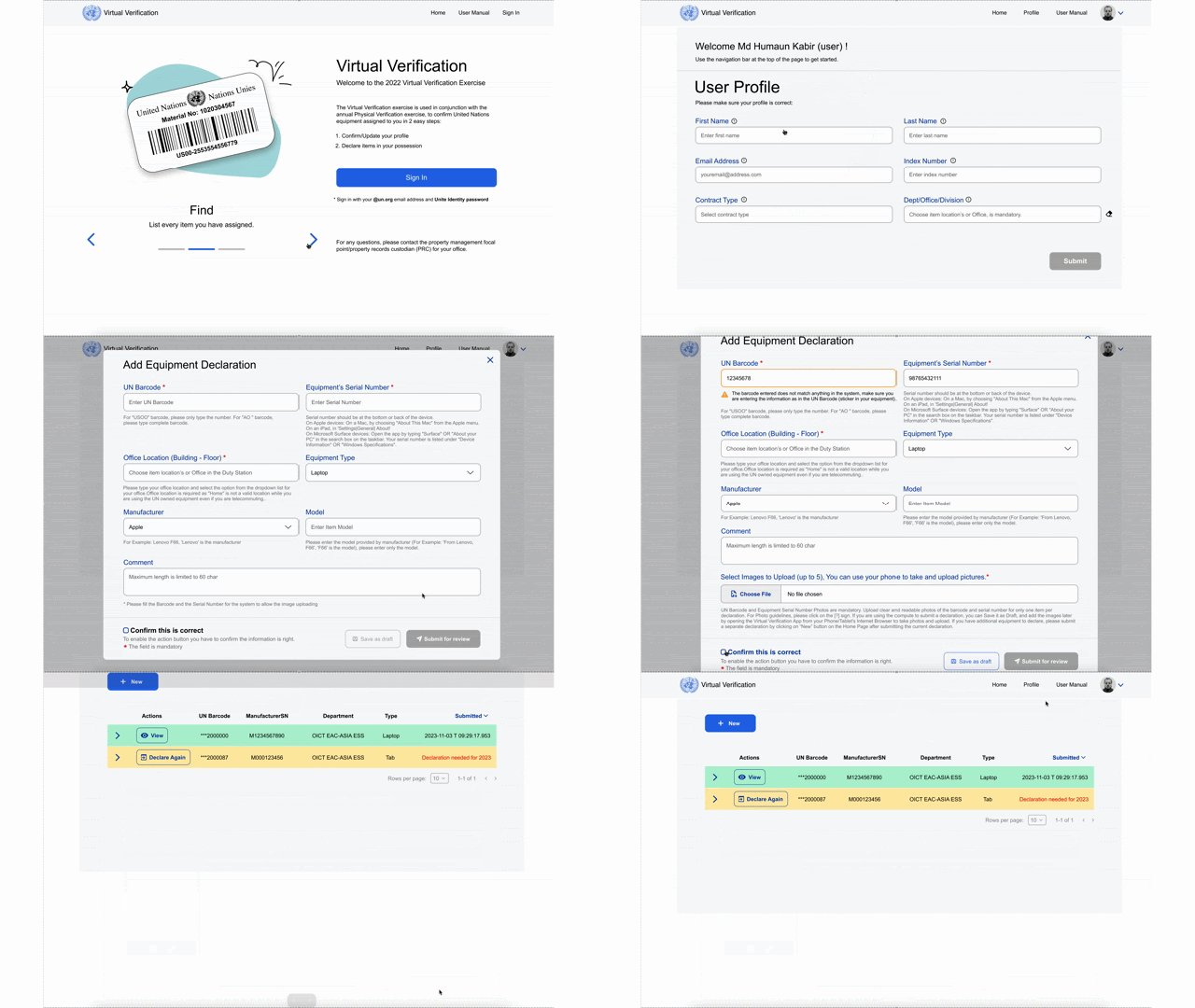
A streamlined web experience to help UN personnel declare and verify assigned equipment (barcode + serial, location, photos) with clear status tracking and simple actions.
Problem statement
In annual verification exercises, staff need to confirm which UN equipment is in their possession. The process often fails when people:
enter incomplete / wrong barcodes (USOO vs AO formats)
don’t know where to find a serial number
forget to upload photos or upload the wrong ones
can’t tell what “status” their submission is in
The UX needed to balance two things:
SpeedLet users declare items quickly with minimal friction.
AccuracyPrevent mismatches and make correction flows obvious.
Solution approach
Status-first lists
Users see what’s submitted, not submitted, or expired with the right action per state.
Guardrails in forms
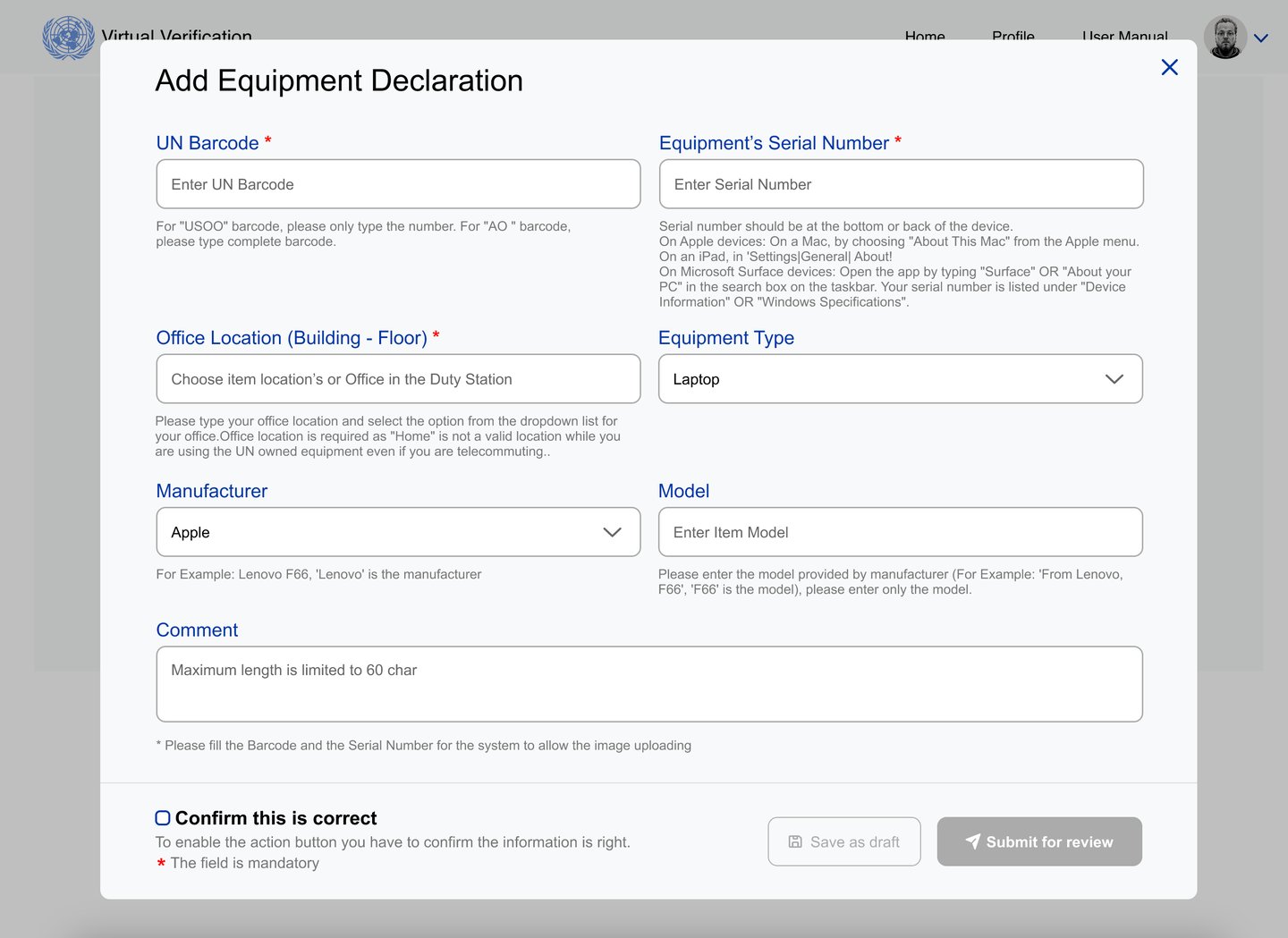
Inline hints, examples, and validation reduce barcode/serial mistakes.
Clear “next step”
Primary CTA (Submit for review) stays consistent; drafts allow pause + return.
Core user flow
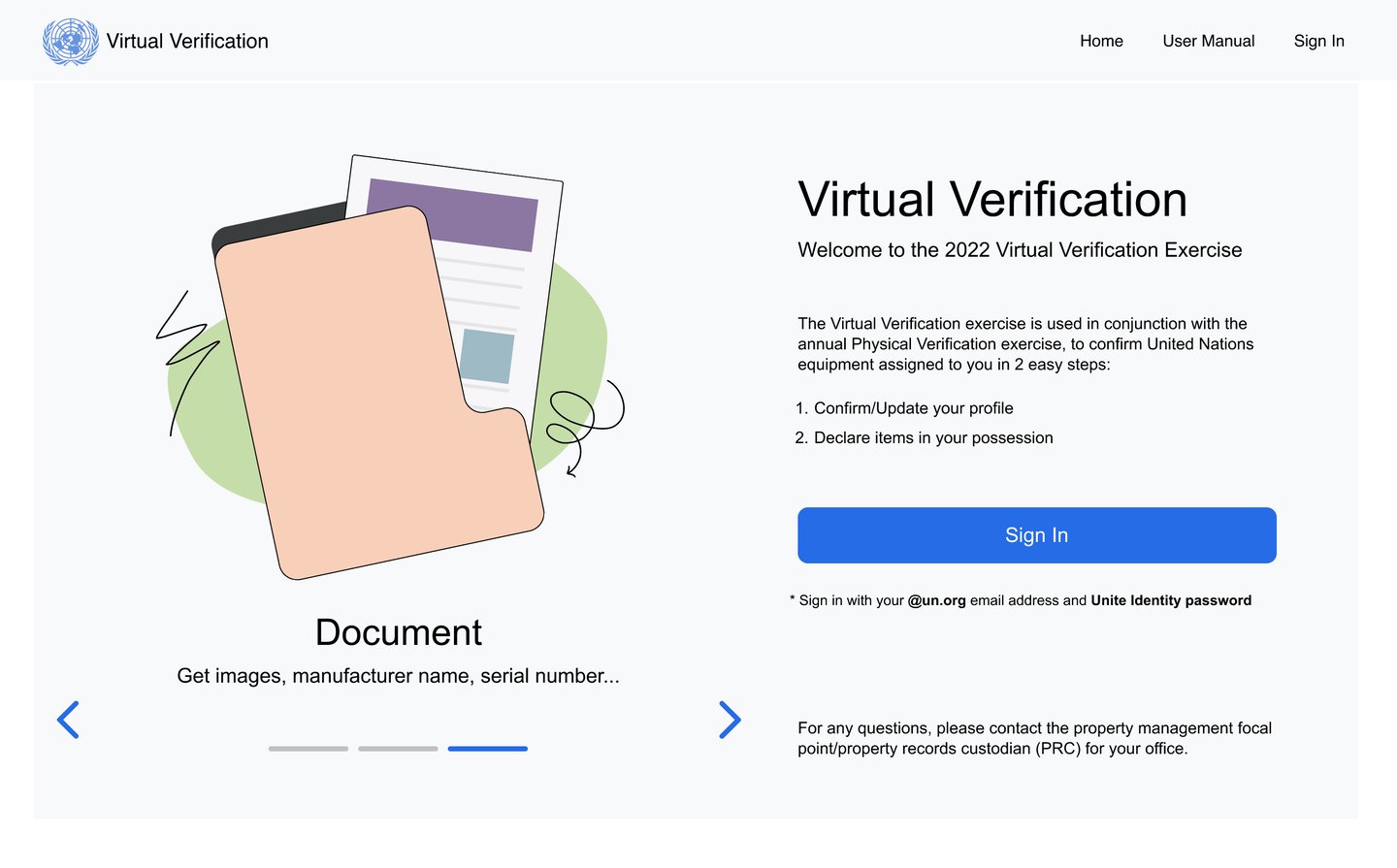
Sign in with organizational account
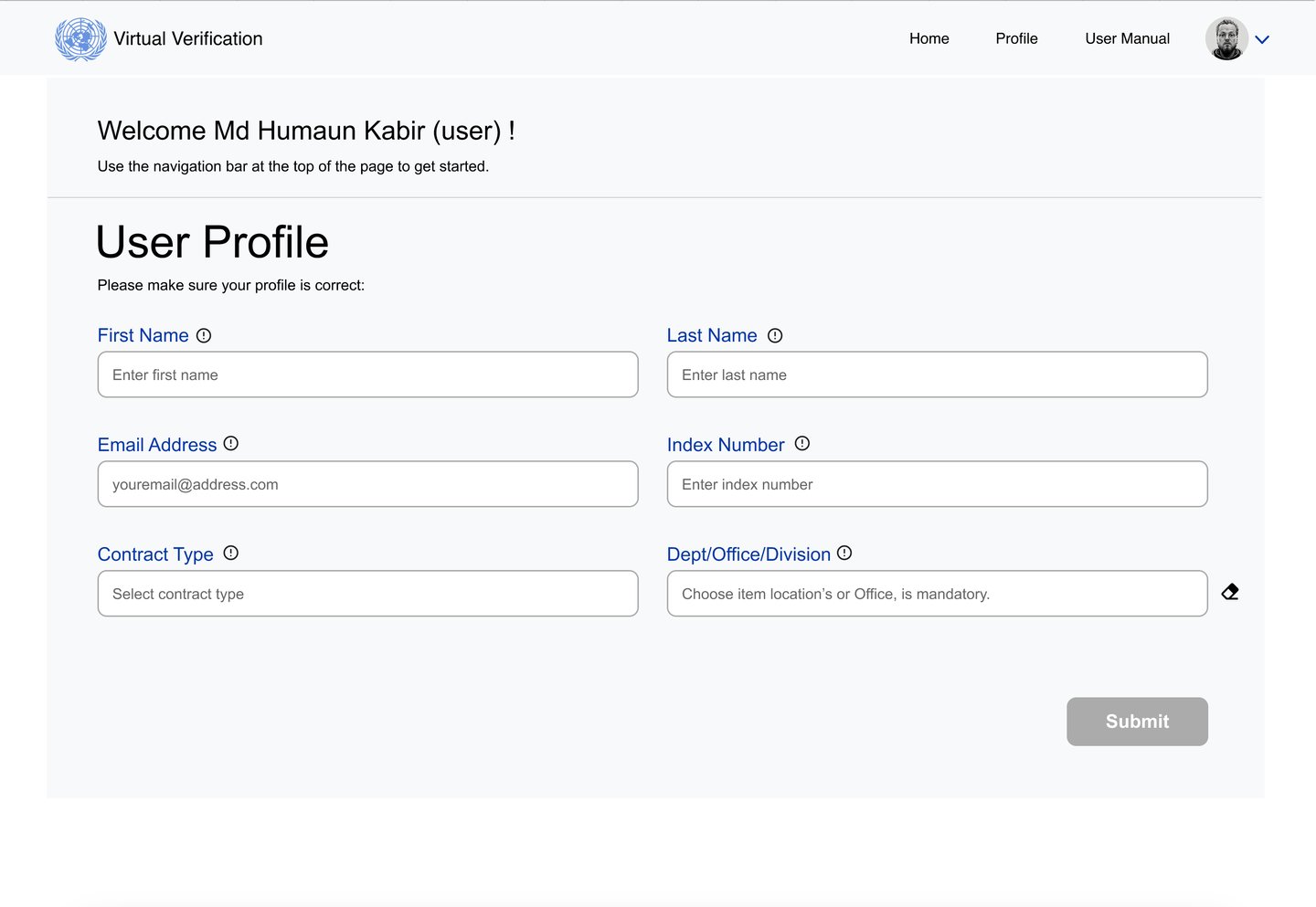
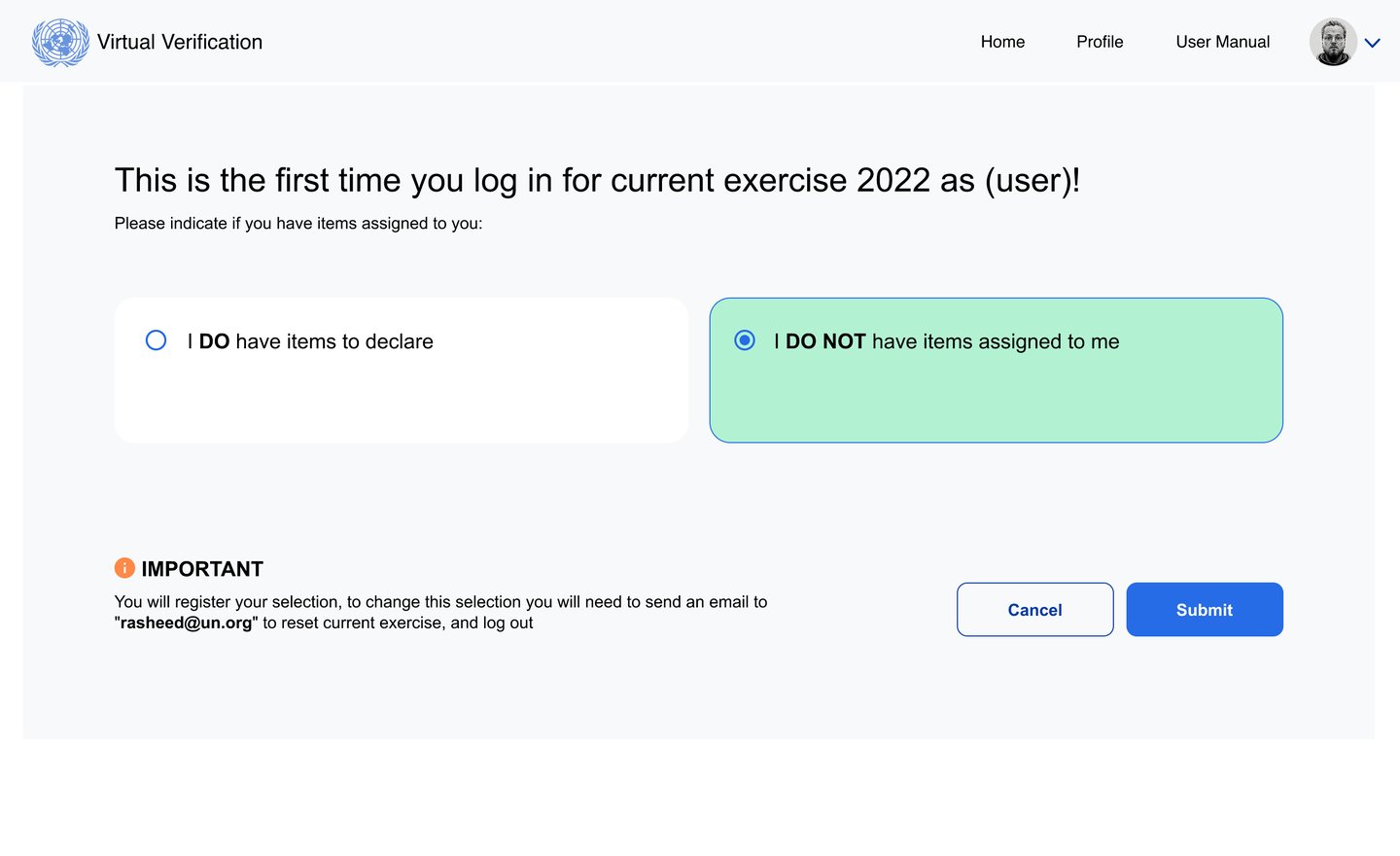
Confirm profile (name, email, index, contract, office/division)
Declare items (New → add barcode + serial + location + type + manufacturer + model)
Upload photos (guided, up to 5) when barcode + serial are valid
Confirm checkbox → Submit for review
Track status (Not submitted / Submitted / Expired) and take appropriate action
Edge cases are handled with clear actions: Edit, Delete, Declare Again, and visible status labels.